How it works
Name it. Shape it. Print it.
A planner built from your answers, on your device, in a few minutes of clicking and no typing of meals.
- 1
See the example first
The Lindqvist household is a complete, fictional planner: family style, four weeks, Sunday prep. Every page is empty on purpose; the meals are theirs to write.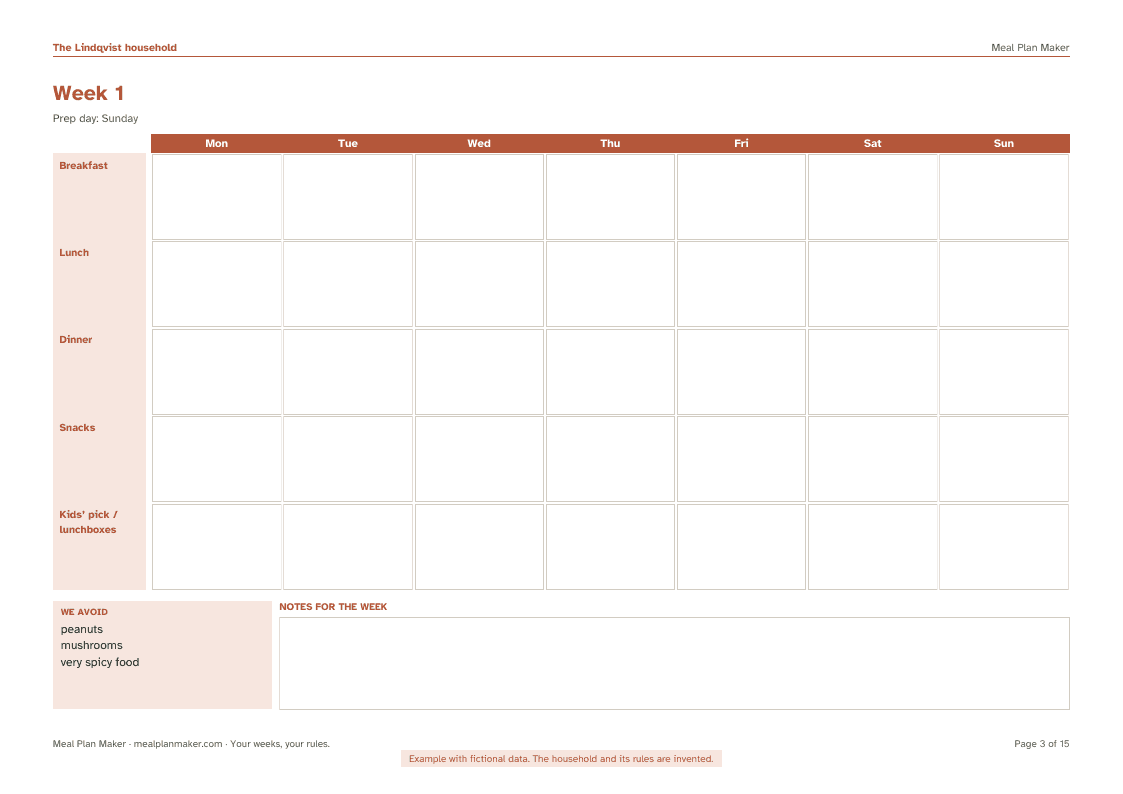
Example · fictional data - 2
Name it and say who eats
A name for the cover, one line about what the planner is for, how many people eat, and the things you avoid. Those go in a small box on every week, so whoever cooks sees them. Nothing is uploaded while you type.
- 3
Pick a style and a colour
Six styles. Each adds one row to every week (kids’ pick, cost today, fresh produce today, main protein, vegetable of the day, notes) and a note to the shopping list. That is the whole difference between styles; none tells you what to eat. Four colours for the cover band and headings.
- 4
Choose weeks, rows and pages
One to eight weeks. Breakfast, lunch, dinner and snacks as rows, or fewer. The day the week starts. A prep day, if you have one. Extra pages: pantry and freezer, go-to meals, weeks done. A season adds a page to write what your market has.
- 5
Preview
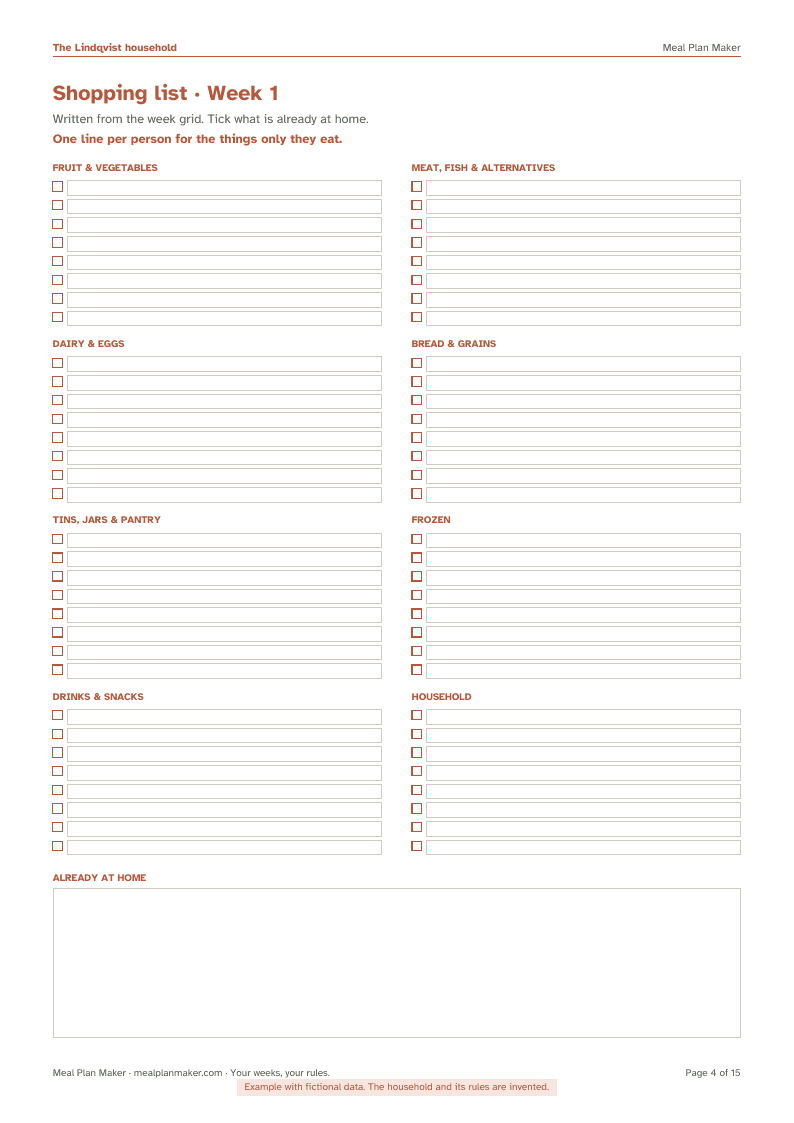
The cover, one week and one shopping list, as they will print. Change anything and the preview follows.
Example · fictional data - 6
Download
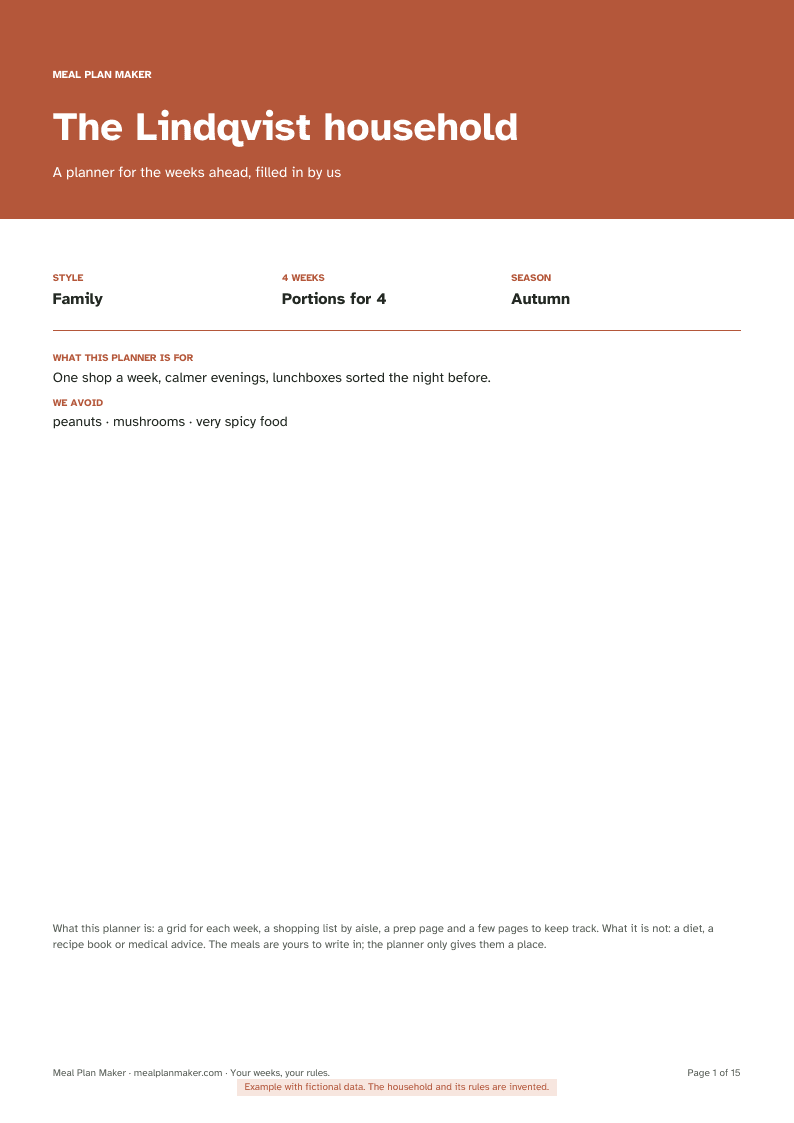
The PDF is built in your browser and handed to your browser’s download. A4 or US Letter. The free preview carries a watermark and drawn boxes; the full export has typeable boxes in every cell, line and notes area, so you can fill it in on screen or print it and write.
Example · fictional data - 7
Keep the settings
“Save my plan file” downloads a plain file with your choices. Load it next month, change the weeks or the colour, export again. The unlock works for two years on more than one device.
Practical questions